

 You, full size.
1
Bring your face.
Choose up to three photos. Your favorite selfie is a very good start.
Turn your photos into playful 3D bobbleheads that live on your desktop. Add yourself, your friends, the whole crew.
Download for Mac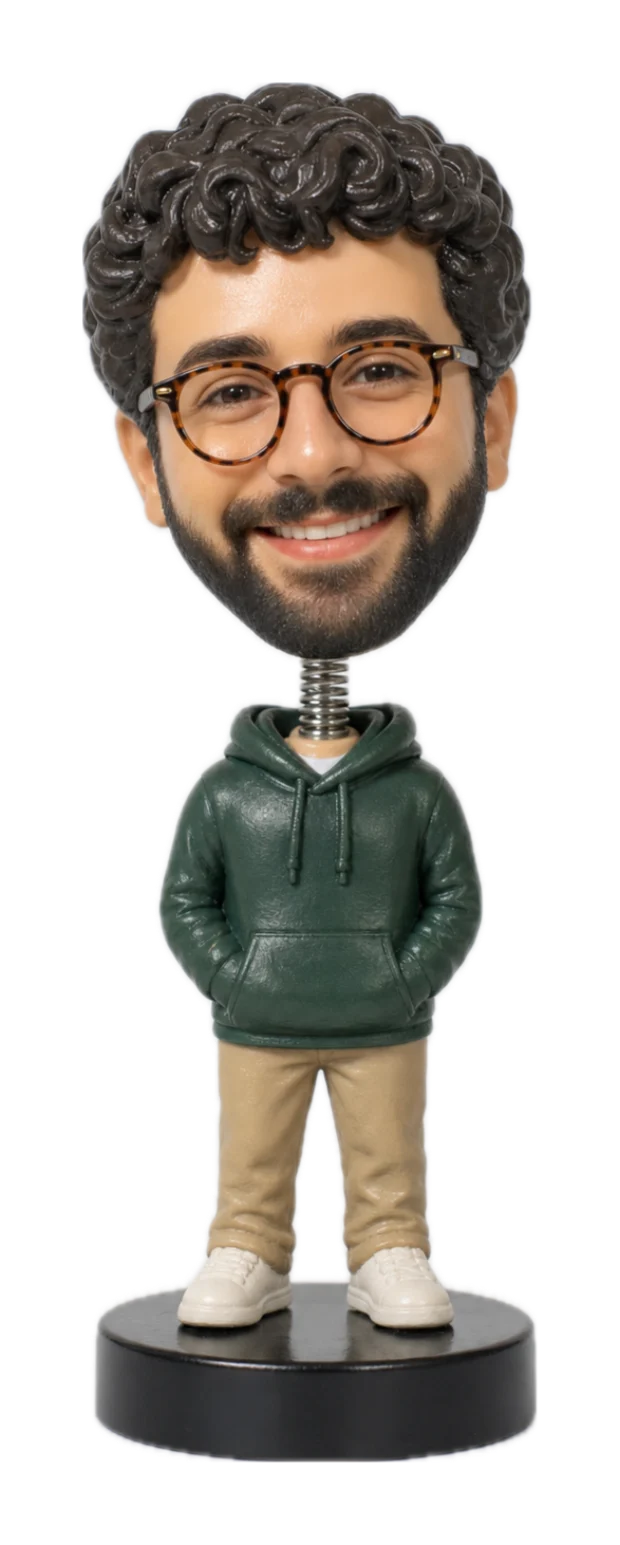
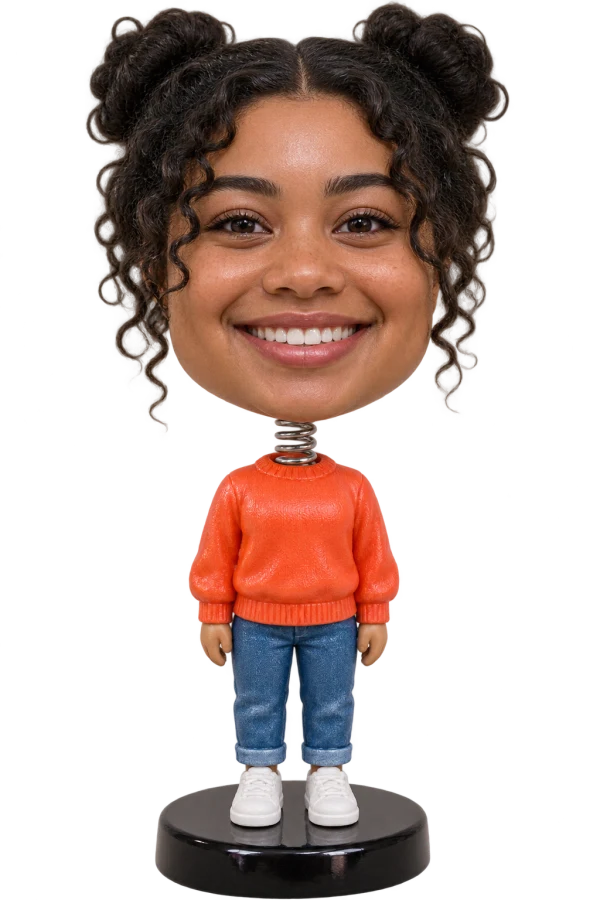
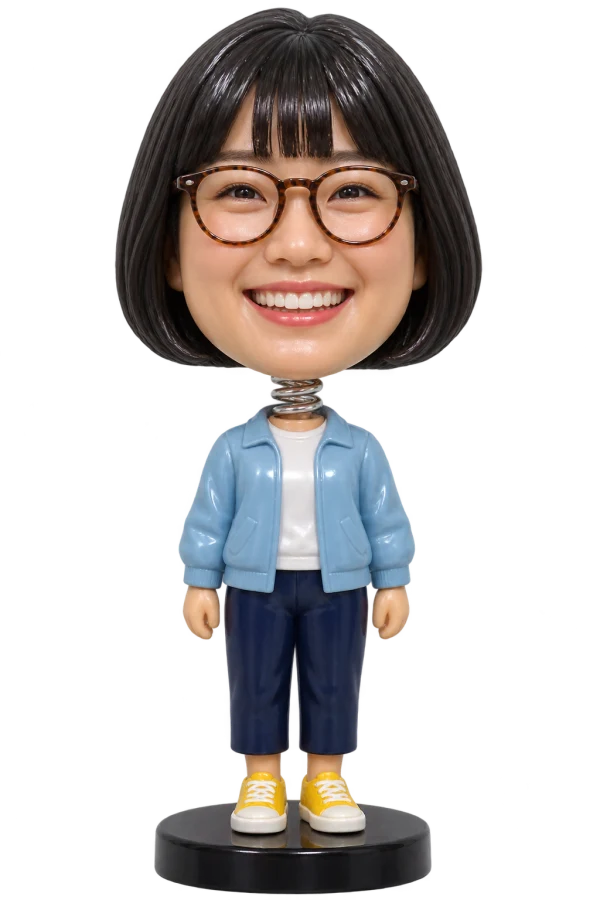
One desktop. A whole crew of bobbles.
Made from your photos.
Ready for your desktop.
You, full size.Choose up to three photos. Your favorite selfie is a very good start.
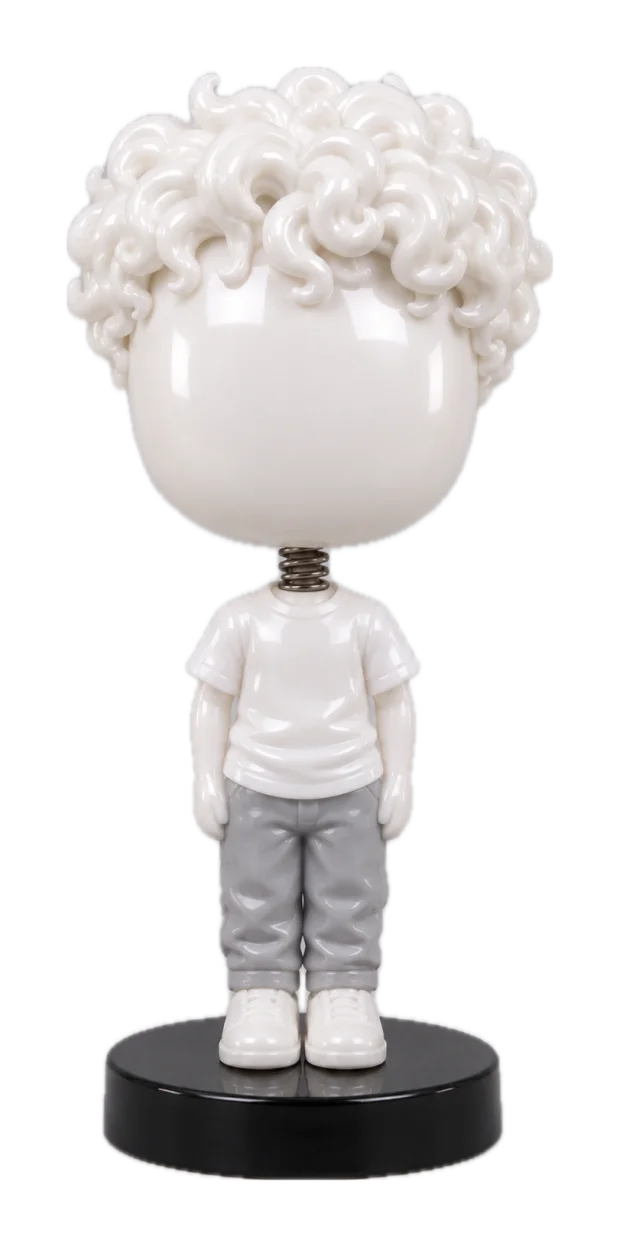 A little toy-making magic
Bobble turns your photos into a personalized 3D toy. Big head included.
Hello, you.Settle into your desktop. Poke, drag, fling, and repeat as necessary.
A sample transformation using the project’s demo photos. Your bobble starts in the Mac app.
Your bobble sits behind desktop icons and pops up when you hover. Grab its head, give it a nudge, or toss it across the screen.
Everything else you might be
wondering about your new desk buddy.
A personalized 3D bobblehead that lives on your Mac desktop. Give the app up to three photos and it creates a little toy version of you, complete with a springy head and a black display base.
By default, your bobble sits behind desktop icons and lifts up when you hover over it. Transparent areas let clicks pass through. You can also choose to keep it above desktop icons or floating above your windows.
A Mac running macOS 14 or newer and one to three clear photos. Open Bobble, add your photos, and follow the steps in the app to create your bobblehead.
The photos you choose are processed by image-generation services to create your bobble. Your photos and finished models are also stored on your Mac. See our Privacy policy for details.
Absolutely. Right-click a bobble and choose “New Bobble” to add another. Each gets its own position, size, and personality. Your desktop can become a very small gathering.
You, your friends, your favorite people. There’s room for more than one bobble.
Download for Mac